

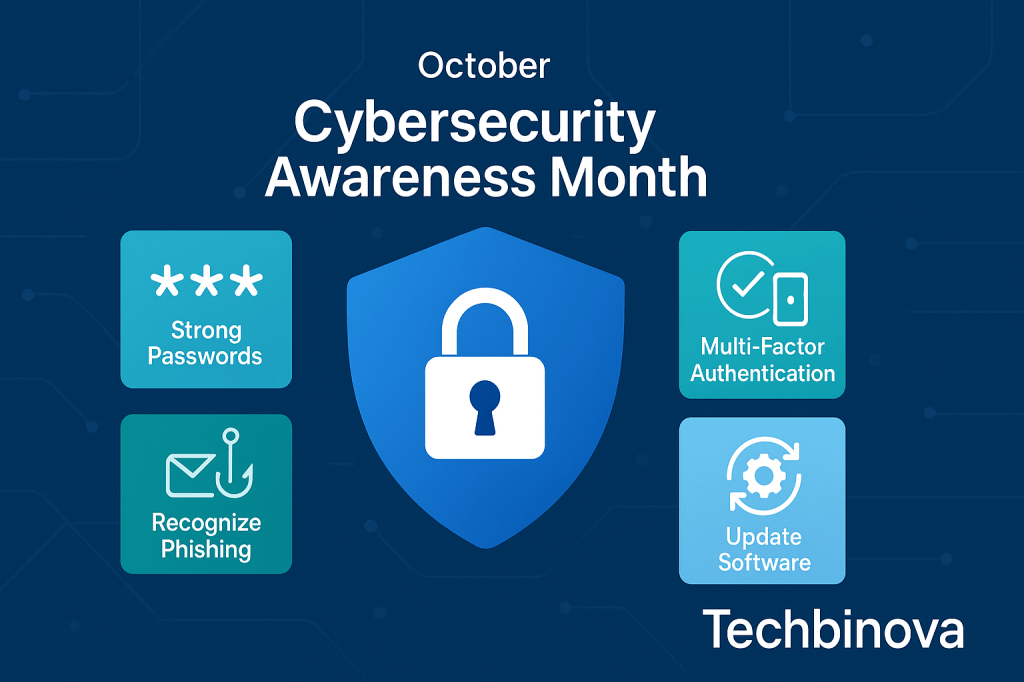
October is Cybersecurity Awareness Month—a national campaign co-led by CISA and the National Cybersecurity Alliance—to help organizations and families stay safe online. The 2025 theme, “Stay Safe Online,” spotlights four simple, high-impact habits anyone can apply right now.
The “Core 4” to cut everyday risk
- Use strong passwords—and a password manager. Long, unique passwords stop credential-stuffing in its tracks. A password manager makes them easy to generate and remember, so your team doesn’t reuse the same login everywhere. (Bonus: it simplifies offboarding.)
- Turn on multi-factor authentication (MFA). MFA blocks a huge chunk of account takeovers by requiring a second proof (app prompt, security key, or code). Prioritize MFA on email, Microsoft 365 / Entra ID, VPN, payroll, finance, and admin accounts.
- Recognize and report scams. Most breaches still start with a phish. Teach staff to slow down, check senders/links, and report suspicious messages. This year, European partners are also highlighting that phishing remains the #1 initial entry—including QR (“quishing”), SMS (“smishing”), and deepfake-assisted lures—so awareness really does pay.
- Update your software. Patching closes the door before attackers can walk through it. Turn on automatic updates where possible, and schedule maintenance windows for servers, network gear, and business-critical apps.
Where most organizations get stuck
- Too many tools, not enough time. Microsoft 365, Entra/Intune, and security add-ons can sprawl without clear ownership.
- Policies exist—but aren’t followed. If onboarding, offboarding, and access reviews aren’t routine, gaps appear.
- Training is ad-hoc. A once-a-year slide deck doesn’t change behavior; short, relevant touchpoints do.
A simple October plan (you can start this week)
Week 1: Quick win setup
- Enforce MFA for admins and high-risk apps.
- Turn on Conditional Access baselines in Entra ID and modern auth only.
- Push OS/app updates; remove unsupported software.
Week 2: Phishing baseline and mini-training
- Run a light phishing simulation; measure clicks and reports.
- Deliver a 30–45 minute live or virtual session with the “Core 4” and your reporting process.
Week 3: Access cleanup
- Review dormant accounts, shared mailboxes, and elevated roles.
- Remove stale guest users; require just-in-time approvals for admin tasks.
Week 4: Document & handoff
- Capture an “M365/Intune Security Health” checklist and a 90-day action plan.
- Schedule a quarterly patch/identity review—put it on the calendar now.
Want ready-made materials? CISA and the National Cybersecurity Alliance publish free toolkits (presentations, graphics, and checklists) you can plug into your campaign.
How Techbinova can help (fast, fixed-scope)
- M365 Security Health Check (2 weeks). We review identity, MFA/Conditional Access, mailbox security, and device posture; deliver findings, prioritized fixes, and an admin handover.
- Intune Starter. Baseline device policies, enrollment, and a step-by-step guide for your team.
- Phishing Simulation + Training. One campaign + a concise training session tailored to your environment, with metrics you can present to leadership.
- Help Desk Surge Support. SLA-backed hours to burn down backlogs while we standardize common fixes and documentation.
Our approach is security-first and documentation-first: we do the work, hand you SOPs and checklists, and make sure your admins can sustain the improvements. As a SWaM-certified Micro Business based in Richmond, we’re set up for small-purchase, quick-turn engagements across VA/DC/MD.
Final thought
Cybersecurity Awareness Month is a reminder that small steps compound. If you only pick one: turn on MFA everywhere it counts. If you want two more: run a phishing baseline and update your software. These three alone close a surprising number of doors that attackers use every day.
 Virginia's IT Support for Small Businesses
Leave a comment